
You’ve probably seen the Claude vs Gemini comparisons making the rounds. Most of them benchmark the models on reasoning tests, code generation, and multimodal scores. That’s useful if you’re an engineer evaluating which one to build with. It doesn’t help much if you’re a manager trying to figure out which one will save you time on next week’s performance reviews.
I use both regularly. Claude has been my main tool for writing-heavy work like reviews, sensitive feedback, and synthesizing notes from multiple 1-on-1s. Gemini has earned a place in my workflow for anything that lives inside Google Workspace, where the integration changes the friction calculation in a way Claude can’t match.
The Claude vs Gemini question now matters as much for managers as the ChatGPT vs Claude question did. Google has closed enough of the gap that Gemini deserves serious consideration alongside the other two, and the answer for most managers depends less on which model is technically stronger and more on where the work already happens.
This article walks through how Claude and Gemini compare for the actual work managers do: drafting performance reviews, synthesizing 1-on-1 notes, preparing for difficult conversations, writing team communications. You’ll learn which tool fits which task, which workflow patterns favor each one, and how to decide whether you need one, the other, or both.
Key Takeaways
- Claude wins on tone, precision, and depth — best for performance reviews, sensitive feedback, strategic documents, and 1-on-1 synthesis where the writing will be read carefully and referenced later.
- Gemini wins on integration, speed, and multimodal work — best for email, meeting summaries, team comms, and quick coordination inside Google Workspace.
- The deciding factor isn’t which AI is smarter — it’s where your work already lives. Google-heavy = Gemini. Mixed-tool stack with high-stakes writing = Claude.
- The “both” strategy (~$40/mo combined) is reasonable for managers whose role spans writing-heavy AND high-volume coordination. The “smart free” combo (one paid, one free) covers most others.
- Start with both free tiers for a week, notice which one you naturally reach for, then pay for the one you’d actually miss. Reassess in six months as both lineups evolve.
Table of Contents
The Basics: What Are Claude and Gemini?
Before getting into the comparison, a quick grounding on what each tool is and what you’re actually paying for.
Claude (by Anthropic)
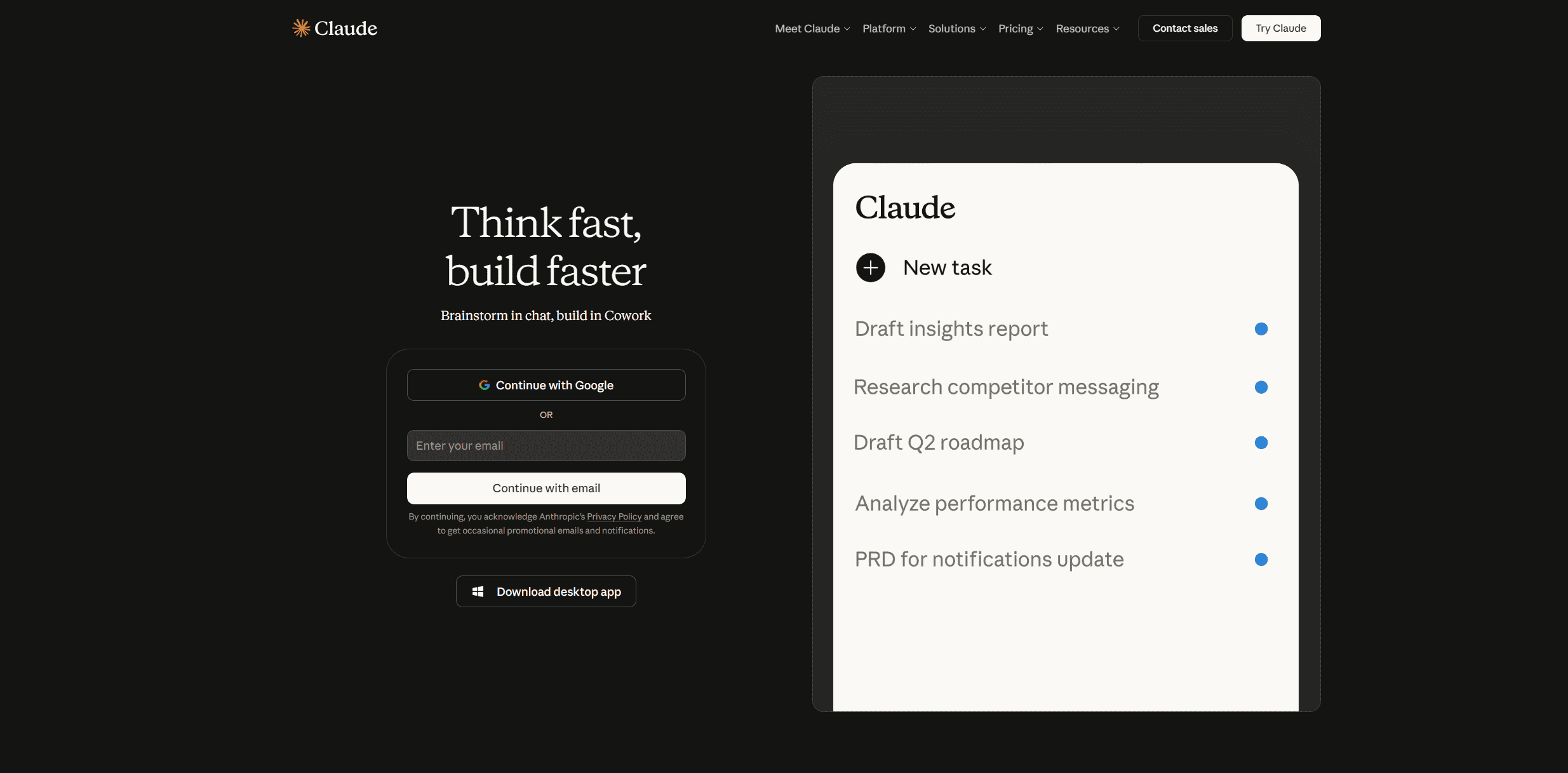
Claude is Anthropic’s AI assistant, known for careful reasoning, strong writing, and a more measured, professional tone. It’s gained a loyal following among managers, writers, and professionals who do work where precision and nuance matter as much as speed.
Current models:
- Claude Opus 4.7 — The newest flagship, best for complex strategic work and long documents
- Claude Sonnet 4.6 — The everyday workhorse balances capability and speed for most manager tasks
- Claude Haiku 4.5 — Fast and lightweight, useful for quick tasks and integrations
Pricing (see Anthropic’s pricing page for current details):
- Free tier: Limited daily usage, basic access to Claude Sonnet
- Pro ($20/month or $17/month annual): Higher usage limits, priority access during high-traffic periods
- Max ($100 or $200/month): Heavy-use tiers for power users
- Team ($25-30/user/month): Adds collaboration features, minimum 5 users
- Enterprise (custom): SSO, advanced security, extended context windows
Key characteristics:
- Strong at handling complex, nuanced topics
- Maintains context well across long conversations
- More measured, professional tone by default
- Excellent at following detailed instructions
- Tends to be more cautious about sensitive content
Gemini (by Google)
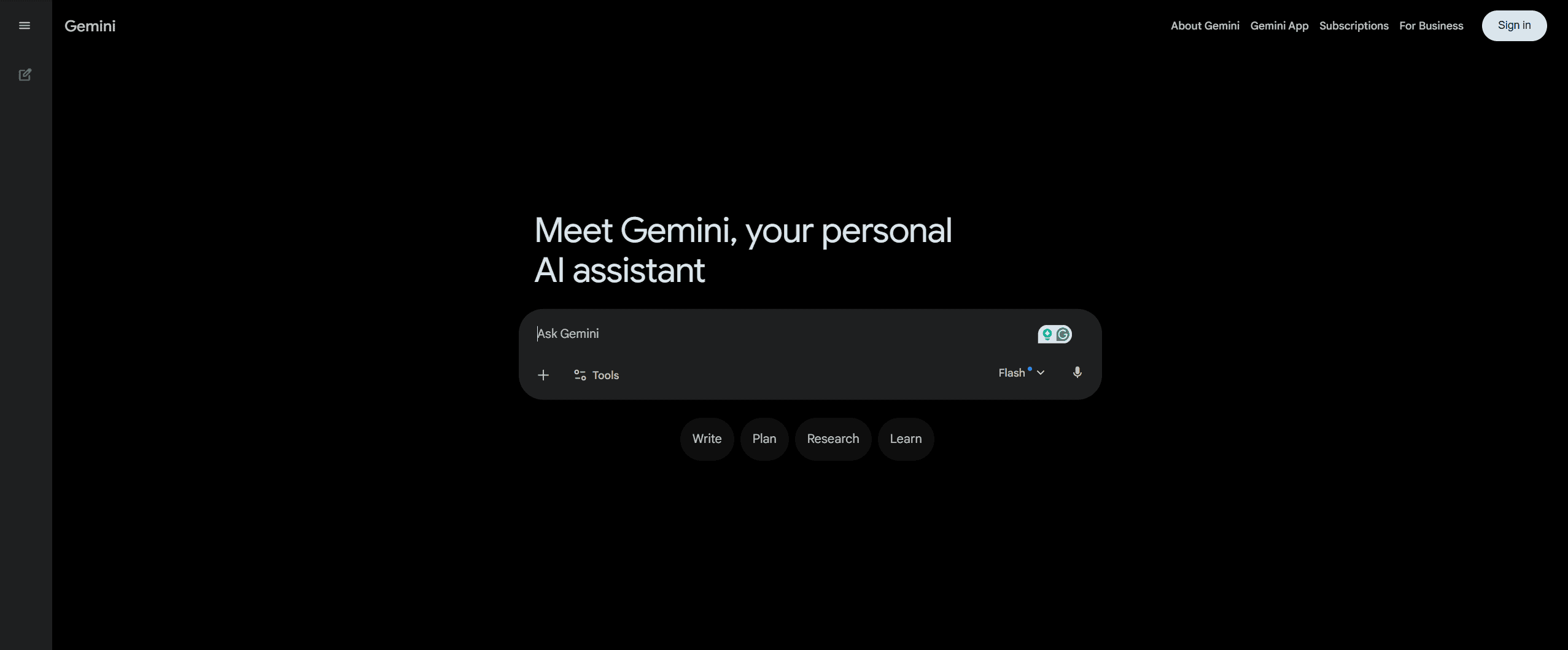
Gemini is Google’s AI assistant, designed to work natively across Google Workspace. The product strategy is less about being the smartest standalone AI and more about being the AI layer inside the tools many managers already use every day. If your team lives in Gmail, Docs, Sheets, and Meet, Gemini is already where you work.
Google’s model lineup moves quickly, and the company announced its newest generation at Google I/O 2026. Gemini 3.5 Flash is now the default model in the Gemini app, with Gemini 3.5 Pro rolling out shortly after. For day-to-day manager work, the practical lineup looks like this:
Current models:
- Gemini 3.5 Flash — The new default in the Gemini app, fast and strong on most tasks
- Gemini 3.1 Pro — Current Pro-tier model for harder reasoning, available in Google AI Pro
- Gemini 3.5 Pro — Coming soon, expected to be Google’s new flagship
Pricing (see Google AI plans for current details):
- Free tier: Basic Gemini access through the standalone app, daily limits
- Google AI Plus ($7.99/month): Affordable entry tier, rolled out worldwide earlier this year
- Google AI Pro ($19.99/month): Full access to Gemini Pro models, Workspace integrations, Deep Research
- Google AI Ultra ($250/month): Heavy-use tier with advanced features
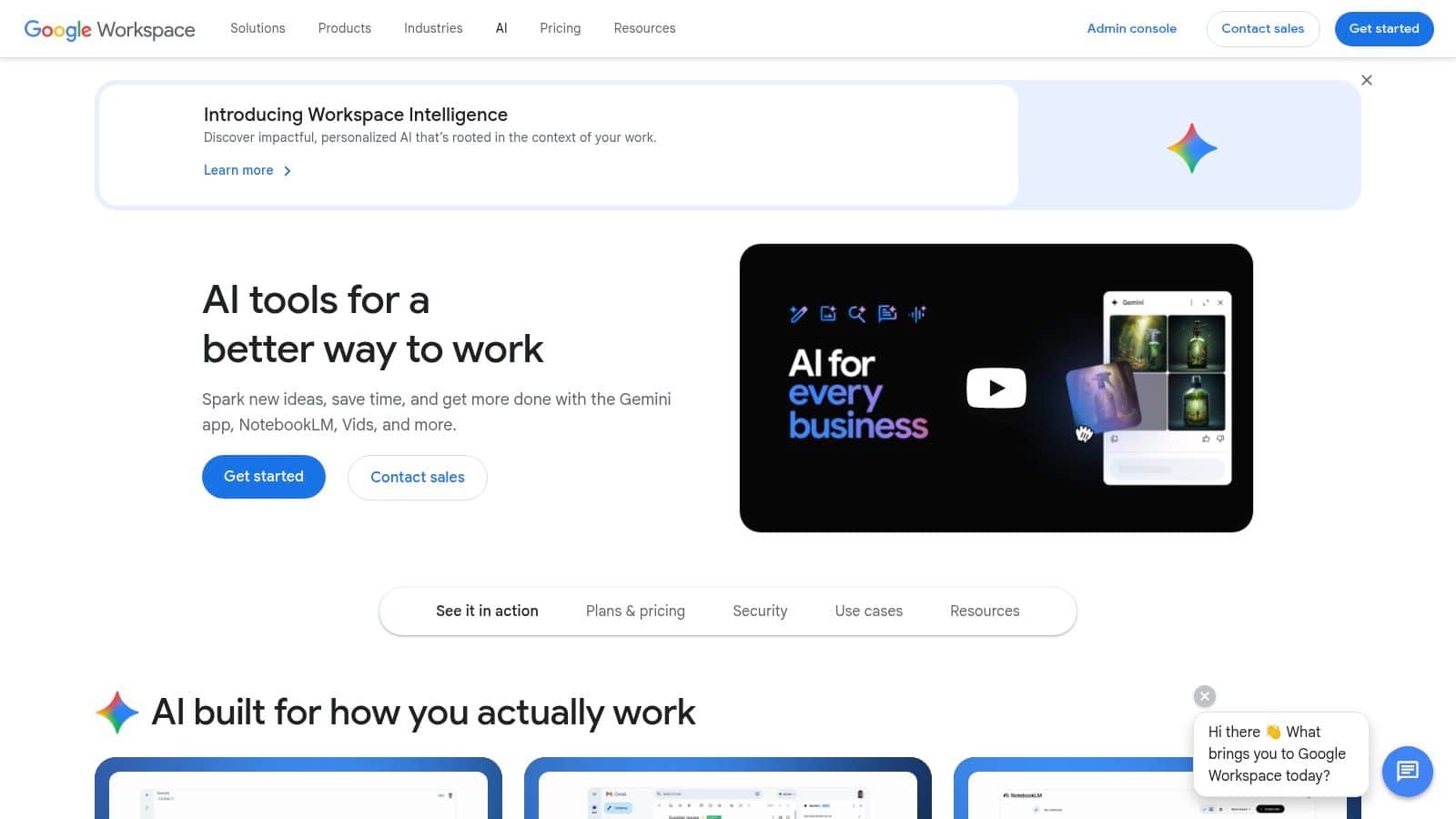
- Workspace bundles: Gemini features included in Business Standard plans and higher at no extra cost
Key characteristics:
- Native integration across the Google Workspace ecosystem
- Strong multimodal capabilities (images, voice, video)
- Faster default response times
- Generally less cautious than Claude on sensitive content
- Tone tends to be more enthusiastic and praise-heavy by default
The Pricing Bottom Line
The entry tiers for both tools sit close enough that monthly cost rarely decides the question. Claude Pro is $20, Google AI Pro is $19.99, and both unlock the features most managers will actually use.
If you’re already paying for Google Workspace Business Standard or higher, Gemini’s core features come bundled, which makes the effective price for a Workspace customer closer to zero. That’s a real consideration if you’re cost-sensitive and already in the Google ecosystem.
The real question isn’t which one costs less. It’s which one fits your existing workflow, which is what the rest of this article covers.
Head-to-Head Comparison
This is where it gets practical. Both tools can write, summarize, and analyze, but they do those things differently in ways that matter for manager work. Here’s how they compare across the dimensions you’ll actually notice in daily use.
Tone and Default Voice: Claude Wins
Claude’s strength: Claude’s default voice is measured, professional, and direct. When you ask it to draft a performance review, the output reads like something a thoughtful manager would actually send. When you ask for feedback wording, it leans toward firm and specific rather than soft and inflated. That tone matters more than most managers realize until they see the alternative.
Gemini’s tendency: Gemini’s default voice leans more enthusiastic and praise-heavy. Drafts often come back with phrases like “fantastic work” or “incredible job,” even when your input was neutral. That’s fine for casual communications, but it adds editing work on anything that needs precision, especially performance documentation or sensitive feedback.
When this matters: Performance reviews, written feedback, policy communications, anything where tone affects how the message lands.
Workspace Integration: Gemini Wins
Gemini’s strength: Gemini is built into Gmail, Docs, Sheets, Drive, and Meet. You don’t open a separate tab to draft a reply, summarize a thread, or pull insights from a doc. The AI is already there, in the tool you’re already using.
Claude’s limitation: Claude is a standalone tool. You go to claude.ai, paste your content, work with the output, then bring it back to wherever you actually live. For some managers, that’s no big deal. For others, the constant context-switching adds up.
When this matters: If your team lives in Google Workspace, Gemini’s integration changes the math. If you’re mostly in Microsoft 365, the Workspace advantage doesn’t apply to you, and Microsoft Copilot is the equivalent integration play in that ecosystem (worth checking out our Microsoft Copilot for Managers review if that’s your stack).
Long Document Handling: Claude Wins
Claude’s strength: Claude maintains coherence across long inputs in a way that’s genuinely useful for manager work. Drop in three months of 1-on-1 notes, peer feedback, project documentation, and Claude tracks the structure without losing important details halfway through. DataCamp’s technical comparison walks through the context window differences in more detail if you want the underlying numbers.
Real example: You’re prepping for a development conversation with a direct report. You paste in your 1-on-1 notes from the last six months, their last performance review, and a recent project retrospective. Claude pulls themes that span all three sources and flags inconsistencies between them. That’s hard for Gemini to do as cleanly, even with comparable context windows on paper.
When this matters: Performance reviews, development plan drafting, synthesizing scattered notes, analyzing patterns over time.
Multimodal Work: Gemini Wins
Gemini’s strength: Gemini handles images, audio, and video natively in ways Claude doesn’t. You can upload a screenshot of a chart and ask for analysis, drop in a meeting recording for a summary, or work with visual content alongside text.
Claude’s approach: Claude supports image uploads but is more text-focused overall. For manager work that’s mostly text-based, that’s fine. For anyone working with visual content regularly, Gemini has the cleaner experience.
When this matters: Analyzing diagrams or screenshots, processing meeting recordings, working with visual reports.
Interruption and Workflow Continuity: Claude Wins
Claude’s strength: Claude lets you queue follow-up messages while it’s still generating a response. You can refine your prompt mid-thought without losing context.
Gemini’s limitation: Gemini cancels the current generation if you send a new message. That sounds minor until you’re three drafts deep into a performance review and need to add one more clarification. Gemini resets, Claude builds.
When this matters: Fragmented workdays, iterative drafting, anything that involves stopping and starting.
Speed and Responsiveness: Gemini Wins (Slightly)
Gemini’s strength: Gemini’s default response time is faster. For quick tasks like drafting a Slack message or summarizing a short email thread, the speed difference is noticeable.
Claude’s approach: Claude is slightly slower because it tends to produce more thorough output. For most manager tasks, the difference is small enough that it doesn’t decide the question, but if you’re doing high-volume quick drafting all day, Gemini stays in flow better.
When this matters: High-frequency quick tasks, brainstorming, real-time work where speed matters more than polish.
Cost: Nearly Identical at Entry Level
The numbers: Claude Pro is $20/month. Google AI Pro is $19.99/month. Both have free tiers that work for occasional use. The pricing only diverges at the entry-affordable level (Google AI Plus at $7.99) and the premium level (Claude Max vs Google AI Ultra).
The real cost: Effective cost depends on what you’re already paying for. If you have Google Workspace Business Standard or higher, Gemini’s core features are bundled and the marginal cost is essentially zero. Claude doesn’t have an equivalent bundle play. For Workspace customers, that’s a real consideration.
When this matters: Always. Cost is part of the decision even if it isn’t the deciding factor.

Which Tool for Which Task?
The head-to-head dimensions are useful, but managers think about tools in terms of tasks. Here’s which AI works better for the specific work that fills your calendar.
Performance Reviews: Claude
Why Claude wins: Performance reviews require synthesizing months of input (1-on-1 notes, project records, peer feedback) into language that’s accurate, specific, and defensible. Claude handles all of that with less rework on the output. Its more measured tone produces drafts that read like a thoughtful manager rather than a cheerleader, which matters when the review needs to land honestly.
For the full workflow, see our guide on using Claude AI for performance reviews.
When to use Gemini instead: If your team’s review process is mostly done inside Google Docs and the integration friction outweighs the writing quality gap, Gemini can work. You’ll do more editing, but the workflow stays in one place.
1-on-1 Prep and Note Synthesis: Claude
Why Claude wins: 1-on-1 prep that’s actually useful means pulling themes from scattered notes, surfacing patterns over time, and entering the meeting with two or three real talking points. Claude does this without flattening everything into generic bullets or treating every passing comment as a strategic issue.
When to use Gemini instead: If your 1-on-1 notes already live in Google Docs or Drive and you want convenience first, Gemini’s integration removes the copy-paste step. Faster, slightly less precise.
Quick Emails and Slack Messages: Gemini
Why Gemini wins: Speed and integration matter more than precision for routine communications. Gemini drafts a reply directly inside Gmail, summarizes a long thread before you respond, and handles the volume of small communications without making you context-switch. Claude can write a better email, but the friction of bouncing to another tool usually isn’t worth it for low-stakes messages.
When to use Claude instead: Sensitive emails where wording really matters. A message to a struggling employee, a difficult update to leadership, a policy change announcement. Claude’s tone and care are worth the extra steps for anything you’d hesitate to send.
Difficult Conversations and Sensitive Feedback: Claude
Why Claude wins: Drafting language for difficult conversations is where tone matters most. Claude handles this kind of work with appropriate weight. It produces feedback that’s firm without being harsh, specific without being nitpicky, and honest without being cruel. Gemini’s enthusiasm-by-default makes it less suited to work where the wrong word choice creates real consequences.
When to use Gemini instead: Almost never for this category. If you’re doing this work, the tool that gets the tone right is worth the friction.
Meeting Notes and Summaries: Gemini
Why Gemini wins: Gemini works with Google Meet transcripts natively, and the integration removes the entire “export transcript, paste into AI, summarize, copy back” workflow. For managers running meetings in Google Meet, this is a real efficiency gain.
When to use Claude instead: If you’re working from longer multi-meeting transcripts or need defensible summaries for documentation, Claude’s depth is worth the manual import step. Strategic planning sessions, board prep, and multi-stakeholder reviews where the summary will be referenced later.
Strategic Planning: Claude
Why Claude wins: Strategic work involves holding multiple constraints, tradeoffs, and long-term implications in mind at once. Claude handles this kind of layered thinking well. You can paste in team capacity, current commitments, business priorities, and budget constraints, and Claude will help you think through the tradeoffs without flattening them.
When to use Gemini instead: Quick brainstorming or research-heavy work where you need to pull in current information. Gemini’s web integration and faster response time work well for the early ideation phase, then move to Claude for the actual synthesis.
Team Communications and Announcements: Gemini (Usually)
Why Gemini wins: Most team communications benefit from a slightly warmer, more accessible tone. Weekly updates, project kickoffs, recognition messages, casual announcements. Gemini’s default voice is closer to where you’d want these to land, and the Workspace integration speeds the workflow.
When to use Claude instead: Formal announcements, policy changes, anything where the wording will be scrutinized. The kind of message you’d want to draft three times before sending.
Job Descriptions and Hiring Content: Tie
Both tools handle this well. Job descriptions, interview question lists, scorecard drafting, candidate communications. The tone consistency matters less here than in performance work, and both tools produce usable output.
The deciding factor: Where the hiring documents live. If your team uses Google Docs for collaborative job description editing, Gemini’s in-place editing is faster. If you’re working from a clean draft and want maximum precision on candidate-facing language, Claude is the safer pick.
The Pattern That Emerges
Once you map this out, the split is fairly clean. Claude wins on tasks where writing quality, tone precision, and depth of synthesis matter most. Gemini wins on tasks where workflow integration, speed, and multimodal handling matter most. Most managers will find that about 60% of their AI work falls into one camp and 40% into the other, which is why the next section gets into whether you should pick one or use both.
Which Should You Choose?
You’ve seen the dimensions and the tasks. Here’s the practical answer to which one you should actually use.
If You Can Only Pick One: Start With Your Ecosystem
The deciding factor isn’t which AI is technically smarter. It’s where your work already happens. The broader AI tools landscape for managers is worth understanding too, but for the Claude vs Gemini decision specifically, ecosystem fit is what to weigh heaviest.
Pick Gemini if:
- Your team lives in Google Workspace day-to-day
- You spend most of your time in Gmail, Docs, Sheets, and Meet
- You already pay for Workspace Business Standard or higher (Gemini bundled at no extra cost)
- Speed and integration matter more to you than tone precision
- Most of your AI work is routine: quick emails, meeting summaries, team comms
Pick Claude if:
- You write a lot of performance reviews, sensitive feedback, or strategic documents
- Your team uses a mix of tools (Notion, Slack, Asana, Linear) without a dominant ecosystem
- You’re willing to copy-paste for the writing quality gain
- Tone precision matters more to you than workflow integration
- Most of your AI work is high-stakes: documents that will be read carefully and referenced later
If you’re somewhere in the middle, the tiebreaker is what kind of manager work fills more of your week. A people manager doing performance work, career conversations, and difficult feedback will lean Claude. An operations or project manager doing high-volume coordination and communication will lean Gemini.
The Both Strategy
Most experienced managers end up using both, with a clean division of labor.
Use Gemini for:
- Email drafting and Gmail thread synthesis
- Quick team communications and Slack messages
- Google Meet transcripts and meeting summaries
- Working with Google Docs collaboratively
- Multimodal work (screenshots, recordings, images)
Use Claude for:
- Performance reviews and development plans
- Sensitive feedback and difficult conversation prep
- Long document synthesis (multiple notes, transcripts, sources)
- Strategic planning and analytical work
- Anything that will be referenced or scrutinized later
The combined cost is around $40/month, which is reasonable for the time savings. For most managers, the math works out within the first week of replacing manual work with AI-assisted drafts.
The Smart Free Strategy
If you don’t want to pay for both, the practical compromise is one paid tier and one free.
The most common combination: Claude Pro ($20/month) for high-stakes writing work, Gemini free for everyday Workspace tasks. The free Gemini tier is generous enough for routine email summarization and quick drafting, which covers the volume use case. Claude Pro gets your subscription dollars for the work where output quality actually matters.
The reverse combination: Google AI Pro ($19.99/month) for full Workspace integration, Claude free for occasional high-stakes writing. Works if you’re deep enough into Google Workspace that the integration pays for itself.
Decision Criteria
Three questions usually settle it.
Where does your work already live? If the answer is Google Workspace, Gemini’s integration advantage is real and worth weighting heavily. If your work is scattered across tools, Claude’s standalone model doesn’t lose anything by not being integrated anywhere.
How sensitive is your typical AI task? If you mostly write performance reviews, feedback documentation, and strategic content, Claude’s tone and precision earn the subscription. If you mostly write quick emails, meeting summaries, and team comms, Gemini’s speed and integration earn it.
What’s your tolerance for context-switching? Some managers don’t mind opening Claude in another tab. Others find it kills the workflow. If you know you’ll forget to use a separate tool, integration matters more than output quality.
The Money Question
Is $20/month worth it? If either tool saves you two hours per week, the math is obvious. Most managers using these tools well save more than that. The decision is which one (or both) and how much usage you actually have.
Free tiers are real options. Both Claude and Google offer free tiers that handle occasional use. If you’re new to AI and not sure how much you’ll use it, start free. Upgrade when you hit limits during work you actually need to get done.
Real Manager Scenarios
Here’s how three managers actually use these tools in different roles. The patterns are different, the math is different, and the lessons aren’t the same.
Scenario 1: The People Manager
Background: Tara manages a team of 8 in a marketing organization. Heavy on performance work, career conversations, and team communications.
Her setup: Claude Pro ($20/month), Gemini free
Claude (daily for high-stakes work):
- All performance reviews (8 per year plus mid-year check-ins)
- Development plans and career conversation prep
- Difficult feedback drafting
- Synthesizing notes across multiple 1-on-1s
- Sensitive announcements to the team
Gemini (occasionally):
- Quick Gmail thread summaries when she’s behind on email
- Google Doc collaboration when her team shares drafts there
- Meet transcripts on the rare occasions she runs all-hands
Why it works: Her work is dominated by writing that needs precision. Claude’s tone and depth earn the subscription. Gemini free handles the few tasks where Google integration matters.
Cost: $20/month.
Scenario 2: The Operations Manager
Background: Marcus runs operations for a 40-person company. Lives in Google Workspace. High-volume coordination across departments, lots of email, lots of meeting summaries.
His setup: Google AI Pro ($19.99/month), Claude free
Gemini (constantly):
- Email drafts and thread summarization in Gmail
- Meeting summaries from Google Meet
- Status updates and team communications in Google Docs
- Quick analysis of operational reports in Sheets
- Cross-department coordination messages
Claude (occasionally):
- Performance reviews for his 4 direct reports (twice a year)
- The rare strategic document that needs careful framing
- Complex problem analysis when he’s stuck
Why it works: His work is 90% volume and coordination. Gemini’s integration removes hours of context-switching every week. Claude free covers the few times depth matters more than speed.
Cost: $19.99/month.
Scenario 3: The Director Doing Both
Background: Priya is a director with 25 people across two teams. Splits her time between people management and operational leadership. Lives partially in Google Workspace, partially in Notion and Slack.
Her setup: Both paid. Claude Pro ($20) + Google AI Pro ($19.99) = ~$40/month
Claude (daily for management work):
- Performance reviews and calibration documents
- Development plans for her direct reports and the managers under her
- Strategic planning documents
- Difficult conversations across both teams
- Synthesizing themes from skip-level 1-on-1s
Gemini (daily for operational work):
- Email management at director volume
- Meeting summaries from Google Meet
- Status updates and cross-functional communications
- Working with shared Google Docs from peer directors
Why it works: Her job genuinely requires both modes. Trying to do strategic writing in Gemini means more editing. Trying to do high-volume coordination in Claude means constant context-switching. The $40 combined is easily justified by the time savings.
Cost: $40/month total.
The Pattern
The split usually comes down to what kind of manager work fills more of your week. People-heavy management work favors Claude. Operations-heavy management work favors Gemini. Roles that genuinely span both end up paying for both. None of these setups are wrong, and the right answer depends on which side of that split you’re on.
Wrapping Up: Making Your Choice
Claude and Gemini are both legitimately useful tools for managers. The question of which one to use comes down to where your work happens and what kind of work fills your week. Neither is universally better.
What You’ve Learned
Claude excels at depth, precision, and tone. Performance reviews, sensitive feedback, strategic documents, anything that will be referenced and scrutinized later. The tone is measured and professional by default, and the writing quality holds up under pressure.
Gemini excels at integration, speed, and multimodal work. Gmail, Docs, Sheets, Meet. The AI lives where your work already lives, which removes friction in ways that compound across a busy day. The default tone is warmer and faster, which fits most everyday communications.
Your Action Plan
This week:
- Sign up for both free tiers and try the same task in each
- Pay attention to which output you’d actually send and which one you’d want to rewrite
- Notice which tool you naturally reach for during your workday
Next two weeks:
- Use them for the kinds of tasks each is suited to (Claude for writing-heavy work, Gemini for Workspace tasks)
- Track whether you’re hitting free-tier limits or whether the free versions cover your needs
- Note where the friction shows up
After one month:
- Upgrade whichever tool you used most for real work
- Keep the other on free if you only need it occasionally
- Reassess after another month with real usage data
A Note on Timing
Google announced new Gemini models at its 2026 developer conference, with Gemini 3.5 Flash now the default in the Gemini app and Gemini 3.5 Pro rolling out shortly after. The Gemini lineup will continue to shift over the next few months as Google rolls out features tied to that announcement.
The practical implication is that any comparison you read this year, including this one, should be revisited as the tools evolve. The framework for choosing between Claude and Gemini stays the same. The specific feature comparisons will change. Run the decision again in six months if you’re not sure.
The Honest Recommendation
For most managers, the right answer is one paid subscription and one free tier, chosen based on where your work lives. Pay for the one you’ll use most. Keep the other available for the work it does better. That setup handles the majority of manager AI use cases without overpaying.
For managers whose role genuinely spans both writing-heavy and integration-heavy work, paying for both is reasonable. The combined cost of around $40 a month is small relative to the time you’ll save if you actually use them.
The tools will keep getting better. The companies will keep updating their pricing and feature lists. What matters more than picking the perfect tool right now is building the habit of using AI for the work it’s genuinely suited to. The managers who learn to do that consistently will have a real advantage over those who don’t.
Frequently Asked Questions
Which is better for managers, Claude or Gemini?
Neither is universally better. Claude wins on writing quality, tone precision, and depth of synthesis, which makes it the stronger choice for performance reviews, sensitive feedback, and strategic documents. Gemini wins on integration with Google Workspace, speed, and multimodal handling, which makes it the stronger choice for high-volume email, meeting summaries, and team communications. The right answer depends on where your work already lives and what kind of management work fills more of your week.
Can I use both Claude and Gemini at the same time?
Yes, and many managers do. The typical setup is one paid tier for the work that needs depth (usually Claude) and one free tier for everything else (usually Gemini, or vice versa, depending on your ecosystem). For managers whose role splits evenly between writing-heavy work and high-volume coordination, paying for both is reasonable. The combined cost of around $40 a month is small compared to the time savings if you use them consistently.
Is Gemini included with Google Workspace?
Yes, Gemini’s core features are bundled into Google Workspace Business Standard plans and higher at no additional cost. If your team already pays for Workspace at that tier, you’re effectively getting Gemini for free, which is a real consideration when comparing it to Claude Pro at $20 a month. The standalone Google AI Pro subscription at $19.99 a month adds higher usage limits and access to more advanced models, but the bundled features cover most everyday manager use cases.
Which AI handles performance reviews better?
Claude handles performance reviews better for most managers. Its default tone is measured and professional, which produces drafts that read like a thoughtful manager rather than a cheerleader. Its ability to maintain coherence across long inputs (a self-review plus peer feedback plus your own notes) means less rework on the final language. Gemini can write a usable review, but the output tends to drift toward praise-heavy phrasing that adds editing time on anything where accountability and specificity matter. If reviews are a meaningful part of your job, Claude earns the subscription.