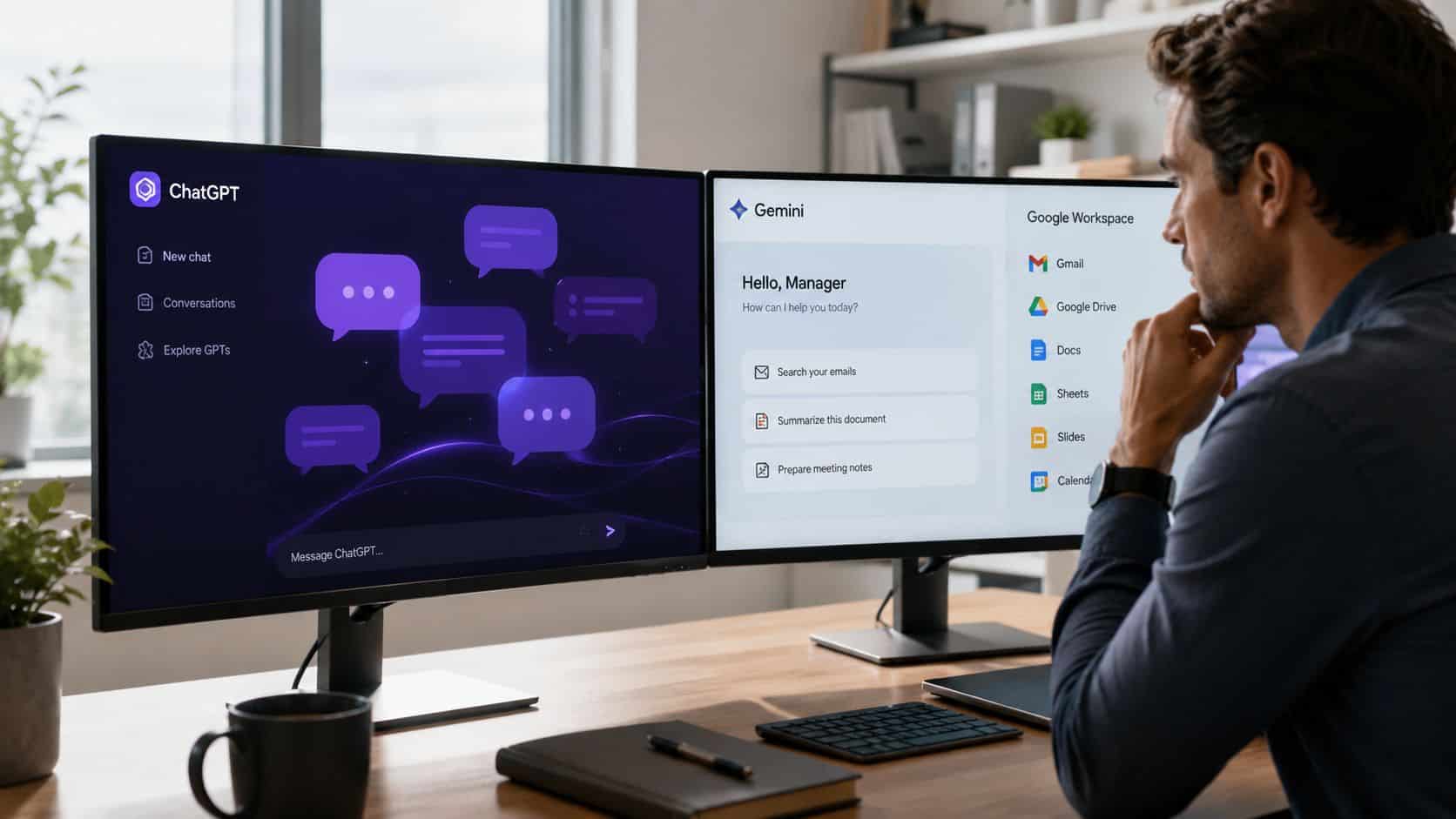
ChatGPT Plus costs $20 a month. Google AI Pro costs $19.99. For a manager deciding where that money goes, the sticker prices are a coin flip, and the endless benchmark debate is worse than useless, because the two companies leapfrog each other every few months. OpenAI shipped a new flagship family this month. Google shipped its latest models in the spring. Whatever leaderboard you consult today will be stale before your next review cycle.
The question that actually decides ChatGPT vs Gemini for a manager is where your work already lives. Gemini is built into Gmail, Docs, Sheets, and Meet, and if your company runs Google Workspace on a Business plan, you may already be paying for it without knowing, which changes the money question entirely. ChatGPT lives in its own tab, belongs to no suite, and works the same whether your day runs through Google, Microsoft, or a sprawl of other tools.
That difference, embedded versus standalone, decides more about your daily experience than any capability gap between the models. So this comparison skips the spec war and judges both tools on the work managers actually do: drafting reviews and feedback, surviving meetings and email, protecting sensitive information, and the price you really pay, including the cost nobody puts on the pricing page. It ends with a decision matrix and an honest verdict, including the case for paying for neither twice.
Key Takeaways
- ChatGPT and Gemini both cost about $20 a month, so the real deciding factor is where your work already lives: inside Google Workspace or in standalone documents.
- Gemini wins on proximity: it is already inside Gmail, Docs, Meet, and Calendar if your company runs Workspace, with native meeting notes and scheduling help.
- ChatGPT wins on craft: it is the stronger drafting partner for reviews, feedback, and status updates when you iterate toward a polished fourth draft.
- Privacy is a policy question before it is a product one. Confirm your organization’s data agreement covers the tool before pasting personnel details into either.
- The honest verdict: pick Gemini if your day lives in Google and you want zero switching, pick ChatGPT if you want the best writing tool and platform independence.
Table of Contents
Where the AI Lives Decides More Than How Smart It Is
You’ll feel the difference between these two long before you can judge which one writes better. Gemini pops up in the side panel of apps you already have open. ChatGPT is a place you go. That sounds like a small thing until you’ve lived with both for a week, and then it turns out to matter more than any benchmark score.
Gemini is just already there
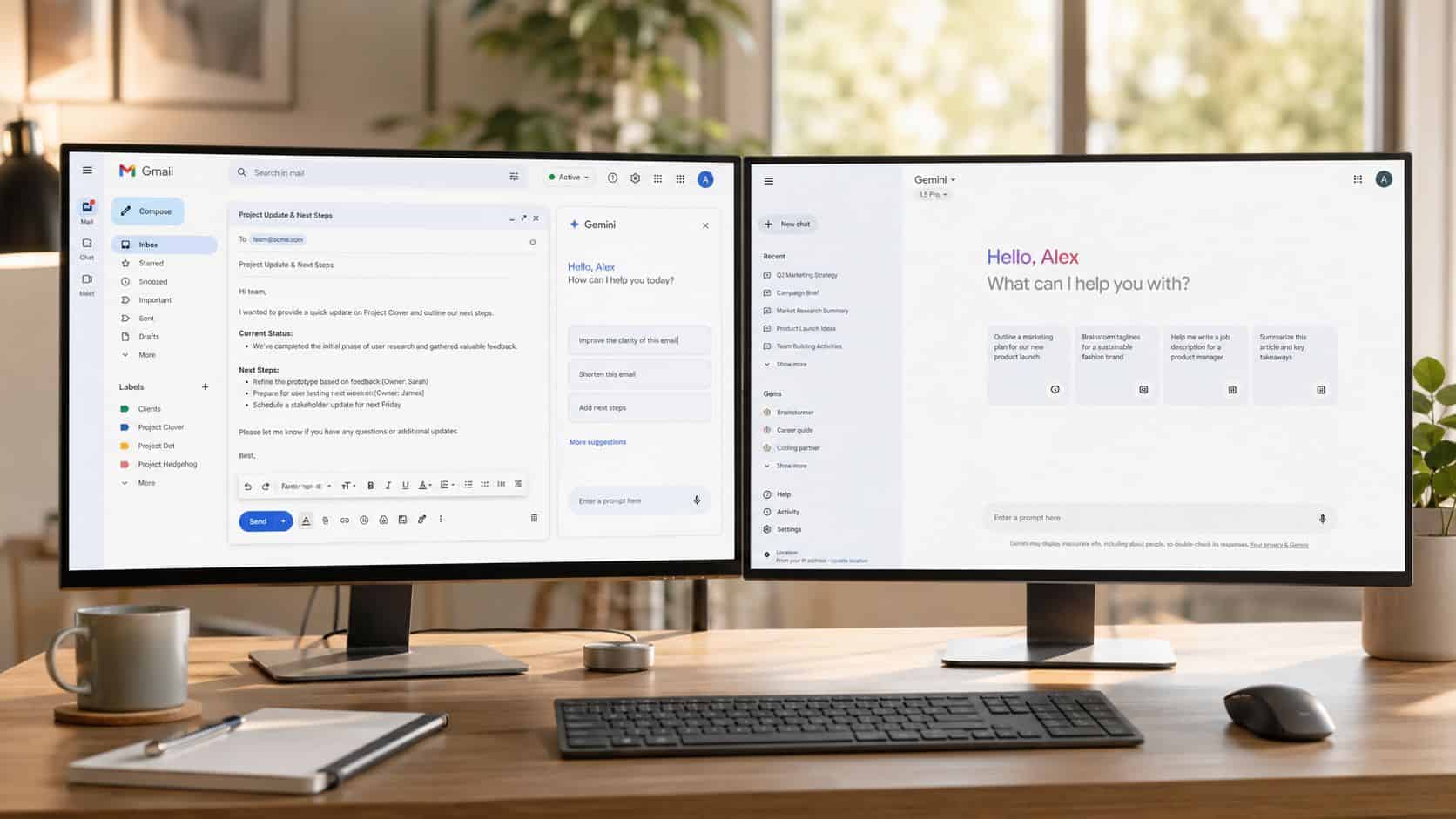
If your company runs on Google Workspace, Gemini sits inside Gmail, Docs, Sheets, Slides, Drive, and Chat, per Google’s own Workspace documentation. So the long email thread you’re dreading? You ask for the unresolved decisions right there in Gmail, draft the reply right there, then turn the whole mess into a team update in Docs without copying anything anywhere. No new tab, no paste, no “hold on, let me find that thread again.” I walk through what this feels like day to day in the Gemini review.
Here’s the part most comparisons miss, and it’s a money thing. Google baked Gemini into Workspace Business Standard and up back in early 2025. No add-on, it’s just in the seat price your company already pays. So if you work at a Google shop, the question isn’t really $20 versus $19.99. It might be $20 versus free.
ChatGPT doesn’t care what your company runs
ChatGPT belongs to nobody’s suite, and that’s exactly why a lot of managers love it. Maybe your notes are in one app, projects in another, team chat somewhere else, and honestly half your job happens in tabs you couldn’t name. No suite’s built-in assistant covers a day like that. A standalone one doesn’t have to. You bring it whatever you’ve got, pasted text, uploaded files, a half-formed worry about a project, and it works the same regardless.
There’s a habit that grows out of this shape, and it’s a good one: managers keep a running thread per problem. One for hiring. One for the project that’s wobbling. One for 1-on-1 prep. Over time those threads become weirdly valuable, like a notebook that talks back. Gemini’s app-by-app setup has no real version of this. That hiring thread is a good home for interview question prompts you reuse each round.
The split in one table
| Your workday | Better fit |
|---|---|
| Gmail, Docs, Meet, and Sheets are the workbench | Gemini |
| Work sprawls across many tools and browser tabs | ChatGPT |
| Company runs Workspace Business Standard or above | Gemini (you may already be paying for it) |
| Company stack is mixed, Microsoft-leaning, or unsettled | ChatGPT |
Neither answer is wrong. They’re answers to different workdays.
Drafting Reviews, Feedback, and Updates
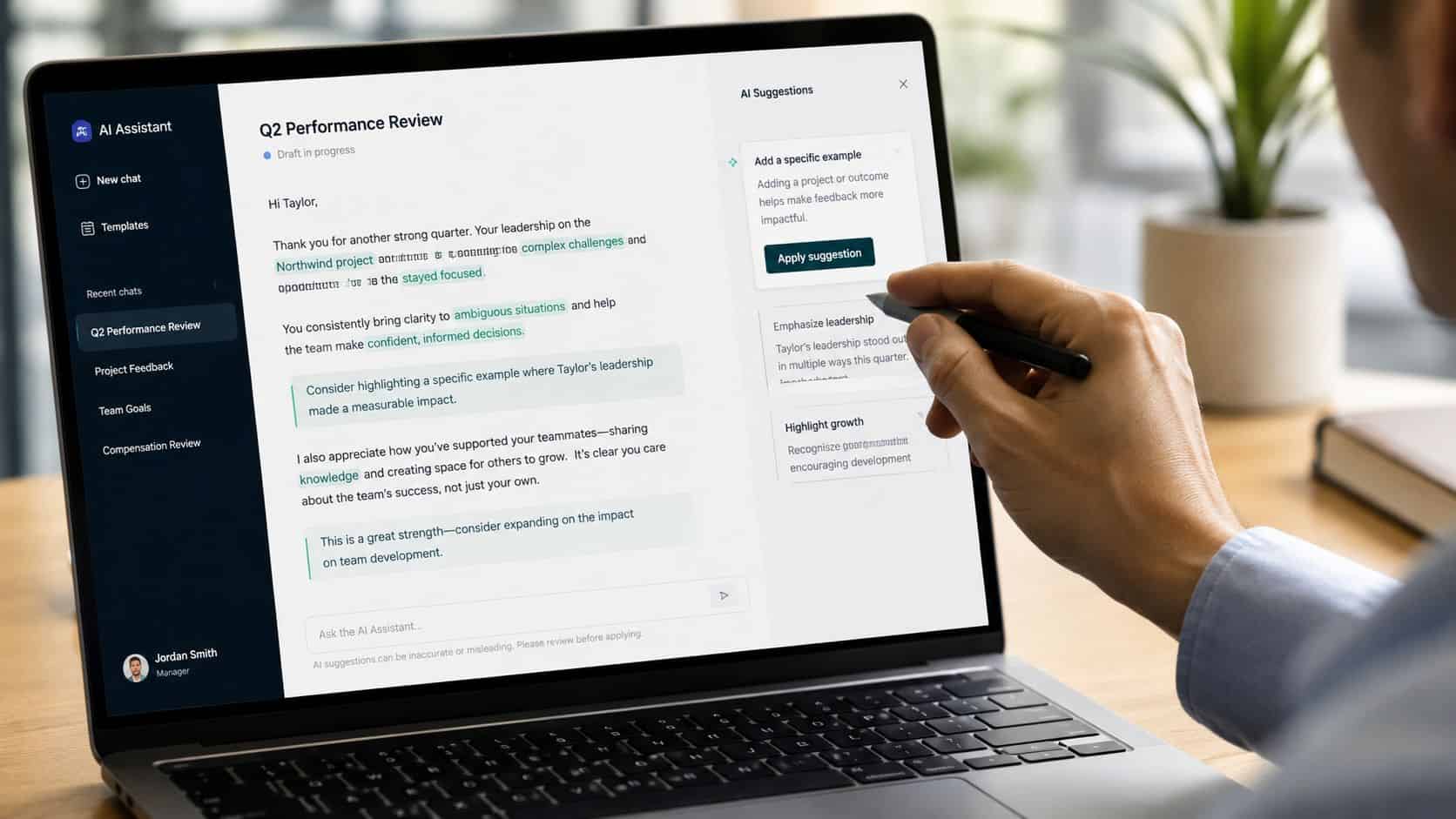
This is where managers actually live with these tools. Not trivia questions or coding demos, but the feedback note you’ve rewritten four times because it keeps coming out either too harsh or too mushy. Both tools are genuinely good at this work now, and neither should be trusted alone with it. The differences are in how you work with them, not whether they can do it.
ChatGPT is built for the fourth draft
Where ChatGPT shines is iteration. You paste in your messy 1-on-1 notes, get a draft, then push: make it firmer. Now less corporate. Now give me a version that leads with the growth area instead of burying it. Three rewrites later you’ve got something that sounds like you on a good day. For work that needs rounds, like performance reviews, promotion narratives, and the email you really can’t get wrong, that push-and-pull is where ChatGPT earns its subscription, and it’s why I still do most review drafting there. The full workflow is in the guide to using ChatGPT for performance reviews.
The new GPT-5.6 models that shipped this month are noticeably better at holding tone constraints across those rounds, but honestly, the iteration habit matters more than the model version. It did last year too.
Gemini wins when the material already lives in Google
If your notes are in Docs, the thread is in Gmail, and the project numbers are in a Sheet, Gemini drafts from all of it without you playing courier between tabs. That’s its real drafting advantage: not better sentences, shorter distance. The paid tiers also carry Gemini’s 1M-token context window, which sounds like a spec-sheet brag but has a practical meaning. You can hand it months of notes and long documents without trimming, and it keeps the thread. It’s the same reason Gemini works well for self-evaluations when your year already lives in Workspace.
Both fail the same way
Give either tool “write feedback for Alex” and almost nothing else, and you’ll get smooth, empty language that could describe anyone. The fix is the same on both sides:
| Weak input | Strong input |
|---|---|
| “Write feedback for Alex” | Real notes: examples, wins, missed expectations |
| “Make it professional” | Actual constraints: direct, specific, not defensive |
| One prompt, take the output | Several rounds of edits and pushback |
| Send it as-is | Your own pass for fairness and anything too polished to be true |
One line worth adding to any review prompt on either tool: “don’t invent achievements, and flag anything that sounds vague.” It catches the failure mode that matters most in management writing, which is AI polishing uncertainty into false confidence.
If tone-heavy writing is most of what you’d use AI for, it’s worth knowing Claude has the strongest reputation on exactly that. The ChatGPT vs Claude comparison covers that matchup.
Meetings and Email: Where Gemini Plays Its Home Game
Nobody buys an AI assistant because they want to chat with it. Managers buy relief from the two things eating their calendar, and this is the section where the two tools genuinely diverge.
Gemini’s built-in meeting help is the real thing
In Google Meet, “Take notes for me” captures the discussion, decisions, and action items automatically, and in Calendar, “Help me schedule” reads availability and proposes times. Both are native features on current Workspace plans, per Google’s feature documentation. If you run five or six Meet calls a day, this is the least glamorous and most valuable thing in this entire comparison. Nothing to install, nothing to explain to your team, no bot joining your call under a weird name. The notes just show up.
That last part matters more than it sounds. Every third-party meeting tool comes with a small tax: getting IT to approve it, getting attendees comfortable being recorded by something called Fireflies, remembering to invite the bot. Gemini skips the whole conversation because it’s already part of the software your company approved years ago.

ChatGPT gets there differently
ChatGPT doesn’t sit in your meetings, so on this front it works as the thinking layer over whatever captures them. A transcript from any source goes in, and what comes back is the part you actually need: what was decided, who owns what, and the follow-up email drafted. Plenty of managers run exactly this and prefer it, because they get to pick a best-in-class tool for each job instead of taking the suite’s default. If that’s your style, the best AI tools for managers roundup covers what pairs well.
The honest trade: Gemini’s way is simpler, ChatGPT’s way is more flexible, and the flexibility only pays if you actually want to assemble and maintain your own kit.
Email splits along the same line
If email is where your coordination lives, Gemini summarizing and drafting inside Gmail is hard to beat for pure speed. ChatGPT wins when the reply needs context from outside the inbox, like when the honest answer to an email depends on what happened in yesterday’s meeting and what your team said in chat this morning. You paste all of it in one window and get a response that reflects the whole situation, not just the thread. Either way, a few AI shortcuts for email compound nicely with both tools.
Privacy and the Price Tag Nobody Shows You
Before the money question, the data question, because for a manager these tools stop being toys the moment employee information touches them.
Privacy is a policy question before it’s a product question
The tempting version of this section would declare one tool safer. The truthful version is that it depends on the account you’re using, not the logo. Both companies offer business tiers with real data protections, and both have consumer tiers where the rules are different. What you actually need to know before pasting anything sensitive: whose account is this, what plan is it on, and what does your company’s policy allow.
For manager work specifically, a few habits cover most of the risk. Use the workplace account your company approved, never a personal login, for anything involving real names or performance detail. Strip identifiers where you can, since the AI doesn’t need the name to help with the wording. And remember the accountability never transfers. If the review is unfair or the summary is wrong, that’s yours, not the model’s.
What you’ll actually pay
The sticker prices are nearly identical, ChatGPT Plus at $20 and Google AI Pro at $19.99. But the real cost picture has a wrinkle on each side.
The Gemini wrinkle is the one from earlier: at a company on Workspace Business Standard or above, Gemini’s work features are already in the seat price. Paying $19.99 personally to get what your employer already bought would be a strange move, so check what you have before you subscribe to anything. The ChatGPT wrinkle is that $20 now buys more than it used to. The Plus tier includes OpenAI’s newest flagship models, and the breakdown of ChatGPT Plus for managers covers what’s in the box in detail.
Lock-in is the cost that shows up later
Here’s the one most comparisons skip. Whichever tool you pick, your team will build habits around it, and habits are expensive to move. Deep Gemini adoption means your processes end up woven into Calendar, Docs, and the rest of Workspace, and unwinding that later means rebuilding real operational scaffolding. Analyses of AI tooling in HR settings have made the same point, that switching platforms can meaningfully inflate training and transition time. ChatGPT creates less structural dependence, which is worth something to any team whose long-term stack is still unsettled.
None of that makes deep integration wrong. It makes it a commitment, and commitments should be made on purpose.
The Verdict: Which One Earns Your $20?
After all of it, the answer has less to do with the tools than with your Tuesday. Here’s the matrix version:
| Your situation | Take | Why |
|---|---|---|
| Company runs Google Workspace, Business Standard or up | Gemini | You likely already have it. Your $20 stays in your pocket |
| Google shop, but you write and revise heavily | Both, sort of | Gemini’s free-to-you for the in-suite work; $20 to ChatGPT for the drafting bench |
| Mixed or Microsoft-leaning stack | ChatGPT | Suite integration you can’t use is worth nothing |
| Work sprawls across tabs and tools | ChatGPT | The one-assistant-for-everything shape fits |
| You mostly want meeting notes and email triage | Gemini | Its native Meet and Gmail features are the whole point |
| Long-term company stack still unsettled | ChatGPT | Less lock-in while things shake out |
If you make me pick one sentence: Gemini when your work lives in Google, ChatGPT when your work lives everywhere. And one adoption note in ChatGPT’s favor that’s hard to ignore: it remains the most-used assistant by a wide margin, with Gemini the clear second, per market tracking of the two. In practice that means your team probably already knows how to use ChatGPT, and that familiarity is worth real onboarding time. If you’re weighing more than these two, the full assistant ranking for managers covers Claude and Copilot as well.
The middle path is legitimate too, and plenty of managers land there: Gemini handles the in-suite work it’s already paid to do, ChatGPT stays open as the drafting and thinking bench. That’s not indecision. That’s using free things where they’re free and paying for the thing that earns it.
Two last notes. Whichever you pick, output quality tracks input quality, and a little deliberate prompt craft moves results more than switching tools ever will. And if careful, tone-heavy writing is the bulk of your AI use, read the Claude vs Gemini comparison before you commit, because that’s the matchup where a third option makes its case.
The models will leapfrog again before this article is a quarter old. Your workflow won’t. Judge on the thing that lasts.
Frequently Asked Questions
Is ChatGPT or Gemini better for managers?
Neither wins outright. Gemini is better when your company runs Google Workspace, because it works inside Gmail, Docs, Sheets, and Meet and is already included in Business Standard plans and above. ChatGPT is better when your work spreads across many tools, or when you do heavy iterative writing like reviews and difficult emails. Pick by where your work lives, not by benchmarks.
Do I need to pay for Gemini if my company uses Google Workspace?
Probably not. Since early 2025, Gemini’s work features are bundled into Workspace Business Standard and higher, no add-on required. Check what your company’s plan includes before spending $19.99 on Google AI Pro, because at a Google shop the honest comparison is often ChatGPT at $20 versus Gemini at zero.
Can I use both ChatGPT and Gemini?
Yes, and it’s a common setup: Gemini for the in-suite work it’s already paid for, like Meet notes, Gmail triage, and Docs drafting, with ChatGPT as the standalone bench for heavier writing, thinking, and anything that pulls context from multiple tools. If Gemini costs you nothing, running both costs the same as running ChatGPT alone.
Does it matter which model version each one runs?
Less than the marketing suggests. Both companies shipped new flagships this year, OpenAI as recently as this month, and they leapfrog each other every few months. The tool’s shape, embedded versus standalone, changes your daily experience far more than the current model number, and your prompting habits move output quality more than either.