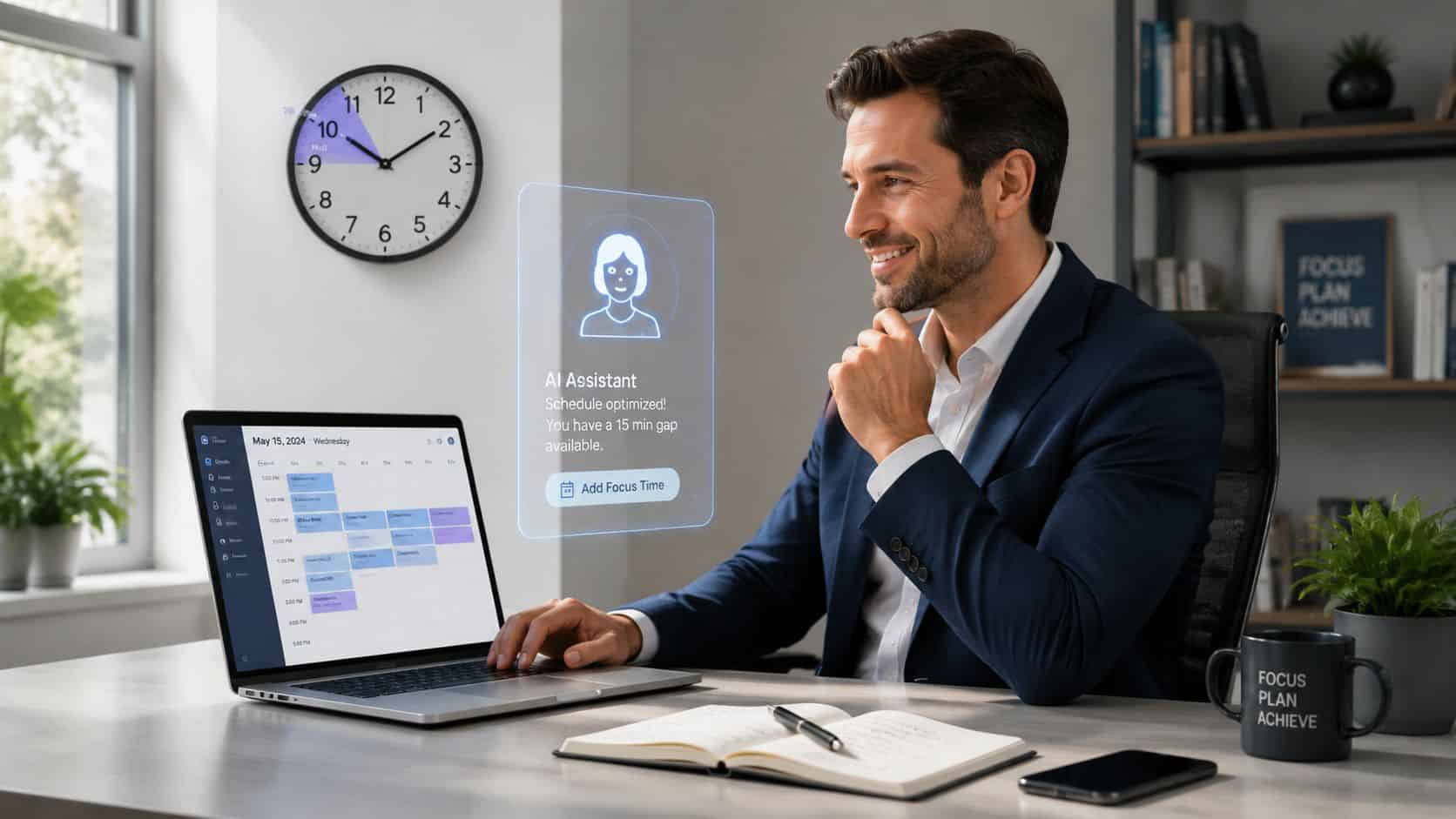
Most advice on time management for managers is built around a calendar they don’t have. It assumes you can carve out two quiet hours, close Slack, skip the meetings, and produce something substantial before lunch. That model works for some individual contributors. It falls apart for anyone running a team, because a manager’s day isn’t a series of blocks. It’s a chain of interruptions, decisions, check-ins, and back-to-back meetings, and the gaps between them rarely run longer than fifteen minutes.
The usual conclusion is that managers just need more discipline. That’s the wrong diagnosis. The classic system was designed for a different job, one where focus time is the default and interruptions are the exception. For a manager, the interruptions often are the work, and no amount of willpower turns a fragmented calendar into a clean one.
What’s actually changed is the tooling. AI is the first thing that makes those short, messy windows productive instead of dead. A fifteen-minute gap used to be too small to start anything real. Now it’s long enough to draft the update, summarize the report, or turn a meeting’s loose ends into assigned tasks. This guide covers why the old systems break for managers, and the AI workflows that fit the day you actually have.
Key Takeaways
- Classic time-management systems fail managers because they assume calendar control and long focus blocks. A manager’s day is fragments, interruptions, and back-to-back meetings, and willpower won’t fix that.
- AI’s real value is making the 15-minute gaps between meetings productive — it compresses an hour of drafting, summarizing, or note cleanup into a window you already have. Short gaps are for first drafts, not finished work.
- Four AI workflows fit the fragmented day: the 15-minute draft, the decision offload, meeting-to-meeting synthesis, and the email triage pass.
- Two rituals recover the most time: a calendar audit (sort every recurring meeting into keep, change, or cut — but protect 1:1s) and a 10-minute Friday reset that makes Monday smaller.
- AI clears execution friction; it can’t do the management. Coaching, conflict, priority-setting, performance judgment, and saying no stay human — AI supplies output, not courage.
Table of Contents
Your Time System Breaks Because It Was Built for the Wrong Job
Most manager calendars don’t fail because the manager is disorganized. They fail because the operating assumptions underneath them are wrong. The standard advice (protect your focus blocks, do the most important thing first, keep a perfectly ordered list) describes a clean kind of work. Leadership rarely is clean. The day is spent switching between people issues, staffing calls, approvals, recruiting, cross-functional coordination, and a steady stream of messages that won’t wait politely for a free slot.
Even the standard email advice misses the point. Telling a manager to simply check email less ignores that the inbox is usually where approvals, escalations, and early risk signals actually surface, so the goal is to handle it deliberately rather than pretend it isn’t part of the job, the approach this guide to managing email overload takes.
The old systems break in three predictable places. They assume you control your calendar, when peers, reports, executives, and recurring rituals actually shape most of your week. They treat interruptions as failures to be eliminated, when for a manager the interruptions often are the job, like the stuck teammate or the same-day decision that can’t sit until tomorrow. And they overvalue detailed planning, when any plan precise enough to feel satisfying tends to collapse by mid-morning the moment the day shifts.
An honest system starts from fragments instead of long blocks. It assumes the pings will come, the meetings will run over, and the context will change, and it’s built to keep working anyway. Tools that reshuffle the calendar around that reality matter more than another static planner, which is the exact problem this review of Reclaim for managers digs into: fragmented schedules rather than idealized ones.
What Changes When the System Fits the Job
The practical shift is to stop asking how to defend long focus time and start asking what useful work can happen in the gaps that already exist. Once you frame it that way, the pieces of an AI-native system fall into place, and they look different from the old playbook.
| What breaks | What works instead |
|---|---|
| Static daily plans | Flexible blocks that can move |
| Manual note cleanup | AI summaries and action-item extraction |
| Drafting from scratch | AI first drafts, then edit |
| End-of-day catch-up | Work finished between meetings |
There’s nothing wrong with discipline. The mistake is applying an individual-contributor playbook to a role defined by responsiveness, coordination, and constant decision-making, then feeling guilty when the borrowed system doesn’t survive contact with the actual day.
The Deep Work Myth for Managers
The biggest productivity lie told to managers is that they should organize the week around deep work. Cal Newport’s argument is useful context, and for a writer or an engineer it often holds. It just doesn’t map onto a leadership calendar, where the job is interruption-driven by design. Building your week around protected focus blocks only sets up a daily failure when those blocks get invaded by the work that actually defines the role.

The data backs up how far the ideal has drifted from reality. Most managers have no multi-hour focus blocks at all in a typical week, with meetings averaging under an hour and the gaps between them rarely stretching past a quarter of an hour, a picture the University of Georgia’s field research on time management lays out clearly. That describes a manager’s week far more accurately than any idealized morning focus session.
Deep Work Isn’t the Default Mode of Management
It goes further than scarce focus time. Managers spend only a tiny slice of the workday in genuinely uninterrupted work, with the rest fragmented by meetings, messages, and context switching. Office workers shift tasks every several minutes on average, and most don’t return to the original task quickly once they’re pulled away, a pattern documented in Blue Cross Blue Shield’s analysis of time management. None of that makes focus worthless. It means “protect a long block” is bad default advice for someone whose calendar is owned by other people.
The Eisenhower Matrix Helps, but It Doesn’t Create Time
The classic triage tools still have value, as long as you ask the right job of them. The Eisenhower Matrix is genuinely useful for separating real priorities from noise, deciding what deserves attention, what can be delegated, and what should quietly die. What it can’t do is manufacture hours. A quadrant label doesn’t stop a same-day request from a senior leader or pause a hiring fire while you finish your “important, not urgent” work.
Time blocking has the same limit. In theory it creates structure; in practice managers watch those blocks get overrun, and the more rigid the plan, the more guilt it generates when the day inevitably changes. The fix is to use these tools for triage rather than fantasy planning: block only the genuinely movable work like strategy notes, 1:1 prep, and feedback drafts, and treat interruptions as expected load instead of personal failure. If a system depends on the calendar staying stable, it was never a manager’s system. What replaces it is a set of execution methods that fit chopped-up time, which is exactly where AI comes in. It doesn’t create silence. It creates output inside the noise.
The 15-Minute Gap Is Your Superpower
For most managers the day isn’t open space, it’s fragments, and the old advice writes those fragments off as too small to matter. That’s no longer true. A short gap can now produce a real deliverable, because AI compresses what used to be an hour of work into a window you already have. Summarizing a long project report, drafting a performance review, turning a tangle of notes into a clean agenda: the kind of task that used to need a protected block now fits between two meetings. A fifteen-minute gap stops being dead time spent half-reading Slack and becomes the place the work actually gets done.
The 15-Minute Draft
This is the fastest win, and the easiest habit to build. Instead of drafting from a blank page, you drop rough inputs into ChatGPT, Claude, or Copilot and ask for a first version: an email about a delayed launch, a status update pulled from your task notes, an agenda built from last week’s unresolved items, a feedback note for a direct report with the tone adjusted before it goes out. The rule is that short gaps are for first drafts, not finished work. Editing a rough draft is far faster than producing one from nothing, and the same prompt discipline that powers these ChatGPT prompts for meeting agendas applies to any of these quick-turn documents.
The Decision Offload
Managers burn a surprising amount of energy on small choices. How to word a Slack message, what order to run an agenda, whether to send the follow-up today or wait. None of these deserve much thought, but together they drain the attention you need for the decisions that do matter. AI is good at clearing the low-stakes ones off your plate by narrowing the options, so you decide instead of deliberate.
Help me make a quick, low-stakes decision so I can move on.

The decision: [what you’re deciding, in one line]

Context: [the relevant background: who’s involved, the timing, any constraints]

What matters most here: [speed, tone, keeping someone informed, avoiding a misread, etc.]

Output: Give me three reasonable options, the main trade-off of each in one sentence, and your recommended default. Keep it short. I just need to decide and move.
The point isn’t to hand the judgment to the model. It’s to kill the blank-page hesitation on a choice that was never worth ten minutes of staring, then move on with the call still yours.
The Meeting-to-Meeting Synthesis
Most managers lose energy after a meeting because their brain is still holding the last one’s unresolved threads while the next one starts. The fix is synthesis, not note-taking. A transcription tool captures the conversation, then ChatGPT or Claude turns the raw transcript into decisions, open questions, and owners, which drop into wherever your team tracks work, and a quick written recap goes out without scheduling another meeting to summarize the one that just ended.
Cutting the post-meeting recovery cost matters more than it sounds: automated summaries and action-item extraction can shrink the time it takes to reset between meetings from roughly half an hour to just a few minutes, as Tufts’ work on flow and time management describes. If your transcription setup is still messy, this comparison of meeting transcription tools is a useful starting point. The best use of AI in a manager’s calendar isn’t producing more content. It’s reducing the residue each meeting leaves behind.
The Email Triage Pass
Email drains attention because every message is a small decision, and making them one at a time all day is the cost. Batching helps, and AI makes the batch faster. A five-minute first pass clears the junk, newsletters, and low-value CC threads. A second pass uses AI to draft replies to the routine traffic: scheduling notes, status confirmations, informational updates. The final pass is yours alone, the sensitive people issues, the performance topics, anything political, handled by hand. There’s a fuller version of this short-window approach in this guide to AI shortcuts for email, which focuses on execution rather than generic inbox theory.
The Manager’s Calendar Audit
The fastest way to find time isn’t a new app. It’s an honest look at where your hours already go. Most managers can recover a meaningful chunk of the week just by auditing the calendar they already have and being willing to act on what they find. The audit isn’t complicated. It needs honesty more than effort, because the meetings that waste the most time are usually the ones nobody wants to be the person to question.
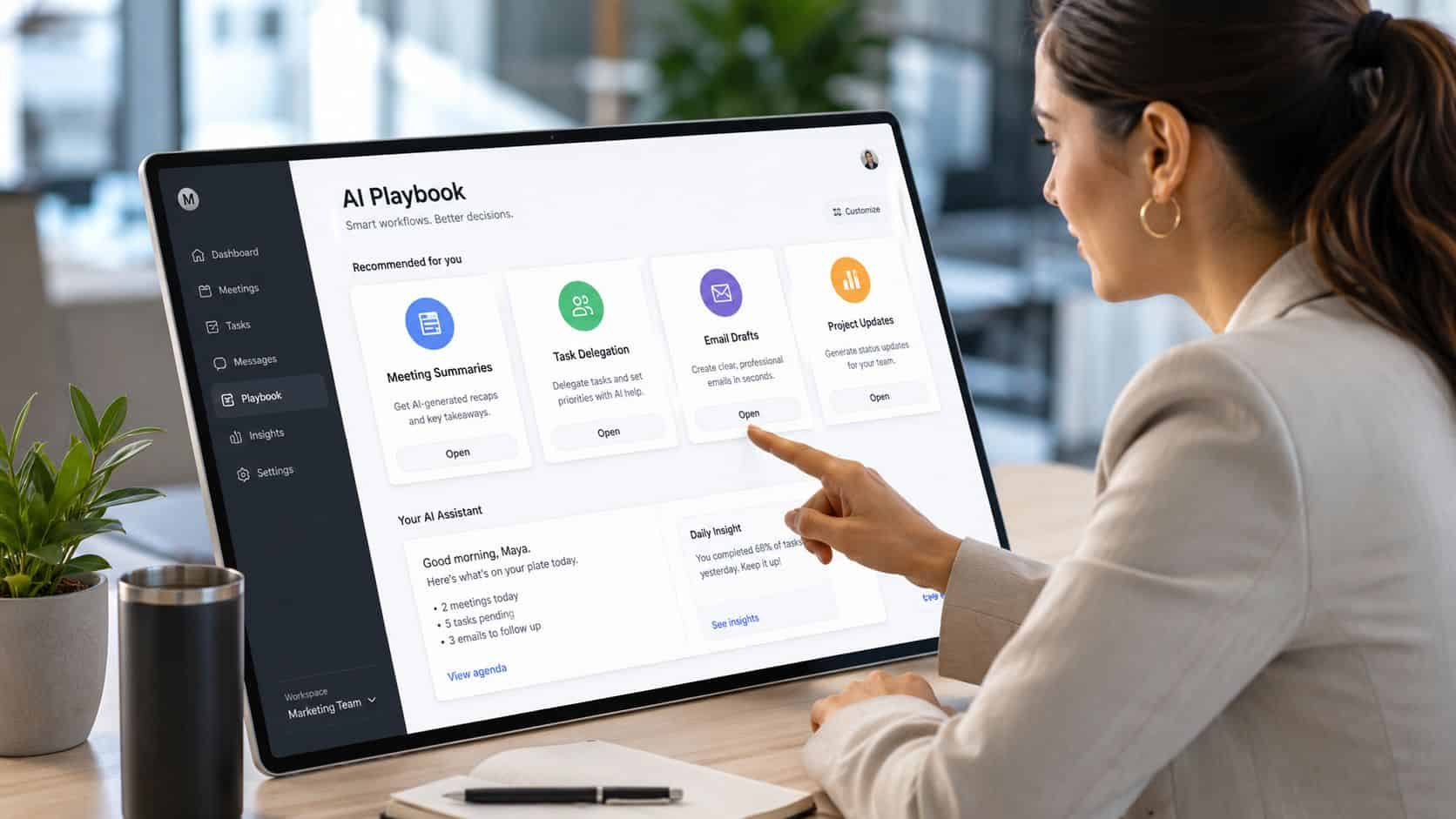
Go through a typical week and sort every recurring commitment into keep, change, or cut. The categories sort themselves quickly once you look:
| Meeting type | Keep, change, or cut | What to do |
|---|---|---|
| Recurring status meetings | Change | Shorten, require a pre-read, or move updates to writing |
| Decision meetings with no decision-maker | Cut | Reschedule only when the people who can decide are in the room |
| FYI meetings | Delegate | Ask for a recorded recap or a written summary instead |
| 1:1s | Keep | Protect these, and improve prep with AI rather than canceling them |
The 1:1 row is the one to hold onto. When managers get busy, one-on-ones are the first thing they cancel, and that’s almost always the wrong cut. They’re where you catch problems early, build the trust that makes hard conversations possible, and keep your read on the team current. The right move when time is tight is to make them sharper, not to drop them, and AI helps there by prepping talking points and surfacing what’s changed since last time.
The same logic of designing a working rhythm rather than reacting to whatever lands in the calendar runs through this guide to AI planning for managers, and pairs naturally with the wider stack covered in the best AI tools for managers. Use scheduling tools to stop random calendar drift, and collect updates in writing before meetings so live time goes to decisions instead of recitation. The audit pays off twice: once when you cut the dead meetings, and again every week you don’t let them creep back.
The Friday Reset: Make Monday Smaller
Most Monday chaos starts on Friday. Loose ends stay loose, half-made decisions carry over, and the next week opens with inbox archaeology before you’ve had coffee. The fix isn’t a long weekly review, which most managers skip anyway. It’s a short, compact ritual before you sign off, and the entire goal is to make Monday smaller. A brief planning habit pays for itself many times over, with a ten-to-twelve-minute ritual associated with meaningful daily time savings and a measurable lift in overall productivity, as ZoomShift’s roundup of time management research notes.
A reliable Friday reset has five moves. Close the open loops by scanning your task tools and inbox for commitments still hanging. Capture the risks, the things likely to blow up next week if nobody touches them. Pre-draft the communication you already know is coming, the Monday status note, the agenda, the stakeholder follow-up. Clean the calendar by cutting low-value meetings and confirming who actually needs to be in the ones that remain. And stage Monday’s first hour by deciding your first three actions now, while the context is still fresh, so you don’t rebuild it from scratch in two days.
AI collapses that from a chore into a ten-minute pass, because most of it is synthesis and drafting you can hand off. One prompt covers the whole ritual:
Review the notes, tasks, emails, and meeting summaries I’m pasting below.

This week’s open items: [paste your task list, loose threads, and anything unresolved]

Recent context: [meeting summaries, key decisions, anything in flight]

Next week’s known commitments: [deadlines, meetings, deliverables you already know about]

Output, in this order:
1. Open loops I must close before next week
2. Urgent issues separated from important-but-schedulable work
3. A short Monday team update, drafted
4. Any stakeholder follow-ups to send Monday morning, drafted
5. Items I should delegate, and to whom if you can tell
6. Meetings next week that could be shortened, combined, or made async
7. A Monday priority list with no more than three must-do items
That prompt works because it removes decision friction at the exact moment you’re most tired and most tempted to just close the laptop. The reset isn’t about cramming more work into Friday. It’s about reducing Monday’s startup cost, so you walk into the week with fewer loose threads and fewer trivial choices waiting to ambush your first hour. End the week by making Monday smaller, and the whole next week runs with less drag.

Where AI Stops and Judgment Leads
AI is useful. It isn’t leadership, and the distinction matters more as you lean on it. It can draft an agenda, summarize a fifty-page report, turn meeting notes into assigned tasks, and lay out the trade-offs on a low-stakes call. It can’t tell a struggling direct report a hard truth with enough care that they actually hear it. It can’t fix a team structure that generates pointless meetings. It can’t decide what your organization should stop doing.
The clearest way to think about it is to separate execution problems from management problems. AI helps with the first and can’t touch the second. Too many meetings is a management problem; AI trims the admin around them but won’t make leaders stop scheduling them. A broken approval chain is a management problem; no prompt fixes a process that needs five sign-offs. Weak prioritization is a management problem; the model will suggest options, but it can’t absorb the political cost of saying no. The pattern holds across all of them: AI clears the friction, and the judgment stays yours.
| Give AI more of this | Keep this human |
|---|---|
| Drafting | Coaching |
| Summarizing | Conflict resolution |
| Formatting updates | Priority setting |
| Task extraction | Performance judgment |
| Scheduling logistics | Saying no |
There’s an uncomfortable truth underneath all of this. A lot of manager time waste is avoidance wearing the costume of busyness. Another tool won’t fix a meeting-heavy culture if no one will cancel anything. A sharper prompt won’t repair a weak team design. Better summaries won’t substitute for being direct with someone who needs to hear it. AI can remove friction. It can’t supply courage, and the managers who get the most from it know the difference. They aren’t trying to automate leadership. They’re using AI to clear the admin so their scarce attention goes to the parts of the job that were always going to be human.
Frequently Asked Questions
How is time management different for managers?
The core difference is that managers don’t control their own calendars. An individual contributor can often protect a few hours of focus time; a manager’s day is shaped by peers, reports, executives, and recurring obligations, with interruptions that frequently are the actual work. Advice built around defending long focus blocks fails because it assumes a level of calendar control managers don’t have. A system that works for managers starts from fragmented time instead of pretending it away.
Can AI actually save managers time?
Yes, when it’s pointed at the right work. AI is strong at drafting, summarizing, turning meeting notes into tasks, and clearing low-stakes decisions, which is exactly the admin that eats a manager’s day in small bites. The practical shift is using it inside the short gaps you already have rather than waiting for focus time that never comes. It won’t fix structural problems like too many meetings or a broken approval chain, but it reliably removes the friction around them.
What is the 15-minute gap method?
It’s the habit of treating short gaps between meetings as usable execution time instead of dead space. Because AI compresses what used to be an hour of work into a few minutes, a fifteen-minute window is now long enough to draft an update, summarize a report, or build an agenda. The rule is that short gaps are for first drafts, not finished work, since editing a rough draft is far faster than producing one from scratch.
What should I do in a Friday reset?
Run a short, repeatable ritual before signing off: close open loops, capture next week’s risks, pre-draft the communication you know is coming, clean low-value meetings off the calendar, and decide Monday’s first three actions. The goal isn’t extra work, it’s reducing Monday’s startup cost so you don’t begin the week with inbox archaeology. A single AI prompt can handle most of the synthesis and drafting in about ten minutes.